Description
Plugin for nopCommerce, based on the official Interpay .NET SDK. The plugin adds the following functionality to nopCommerce:- Usage of InterPay as a payment method.
- Validation of orders with callbacks directly from InterPay, outside the context of the cardholders browser.
- Management of transaction on order pages in backoffice.
- We have supported majority of card such as Mada,Visa, MasterCard, American Express, credit and debit cards etc.
- Through PCI compliance, we are safeguarding customer card information.
- No card information is being stored on our end.
Screenshots
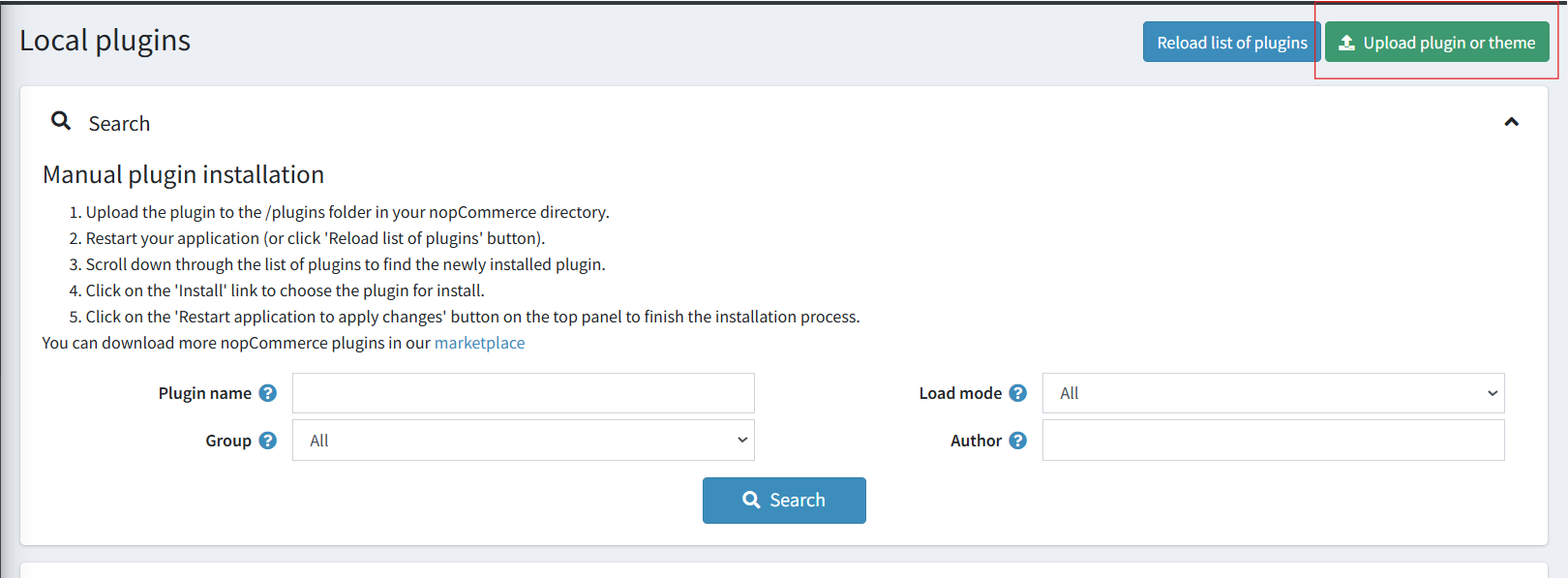
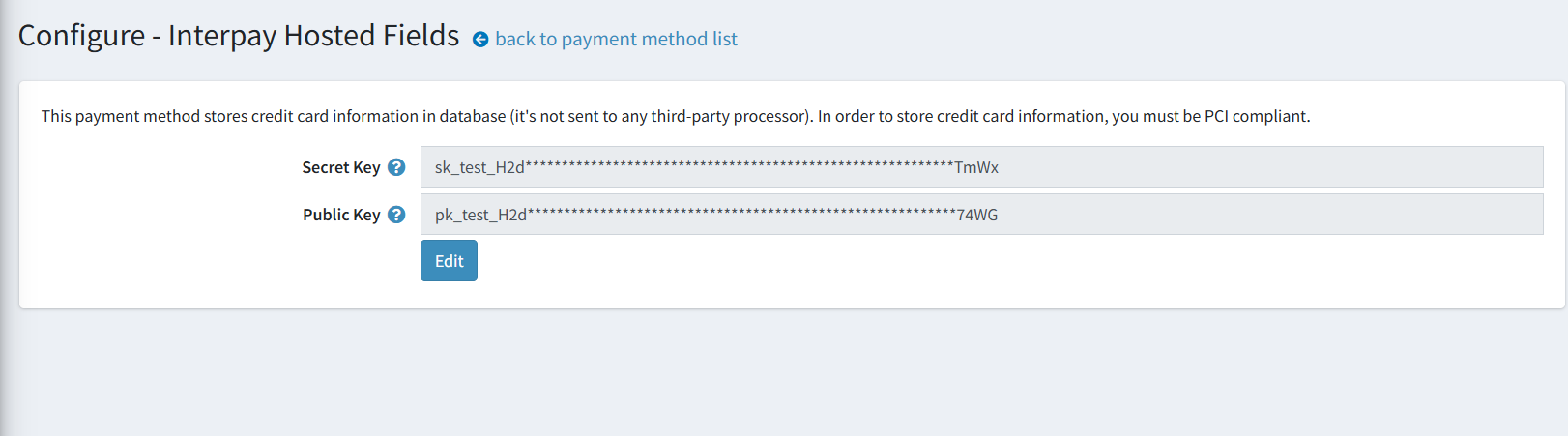
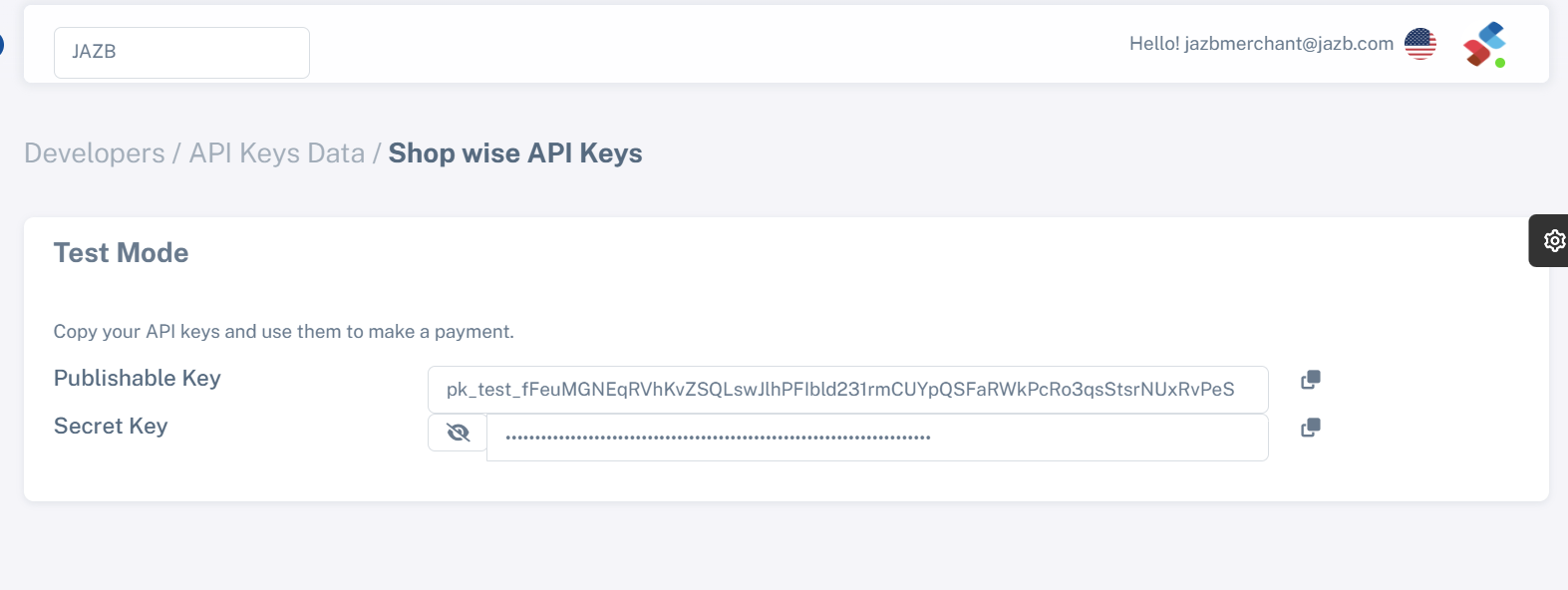
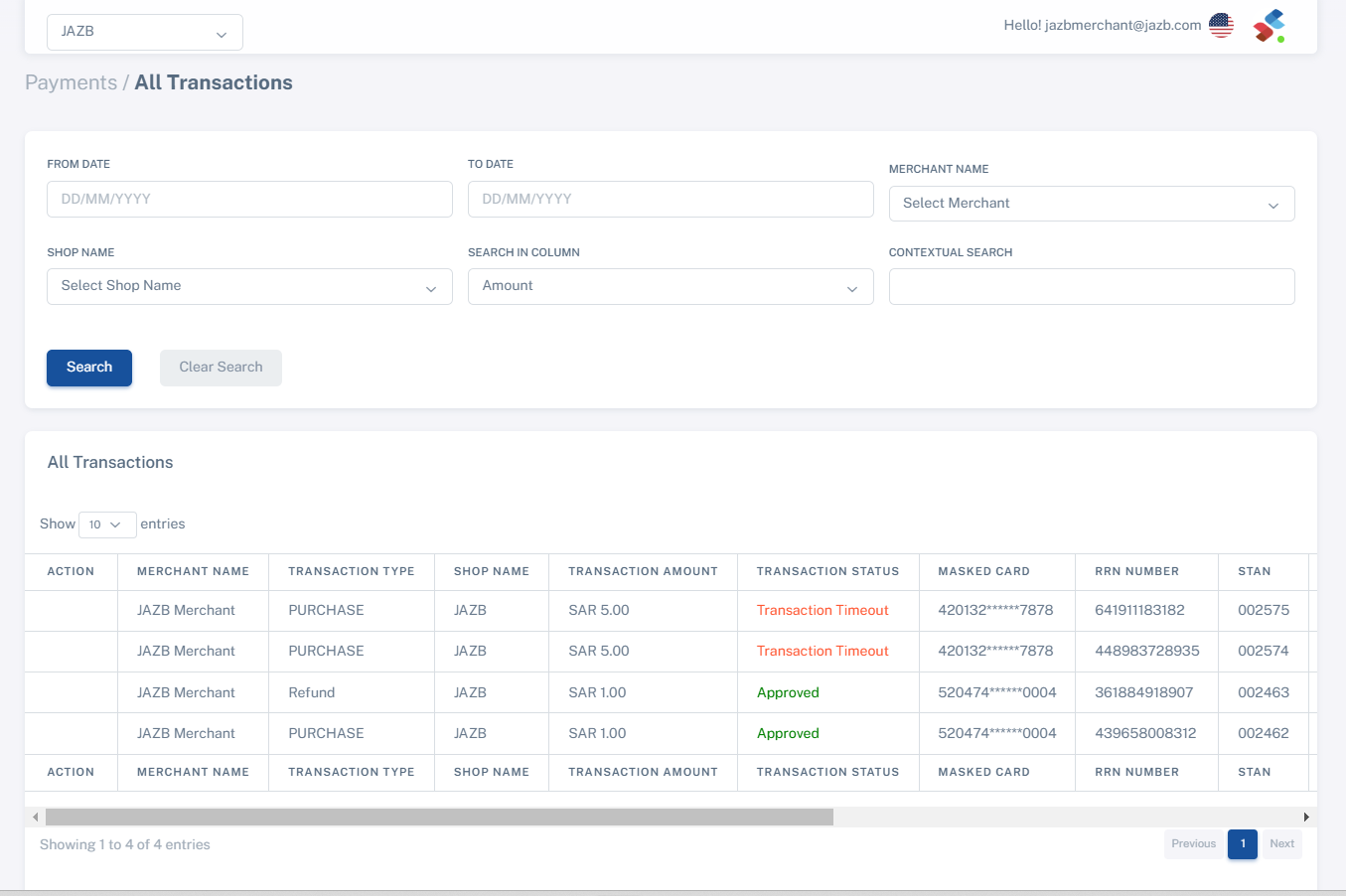
Configuration
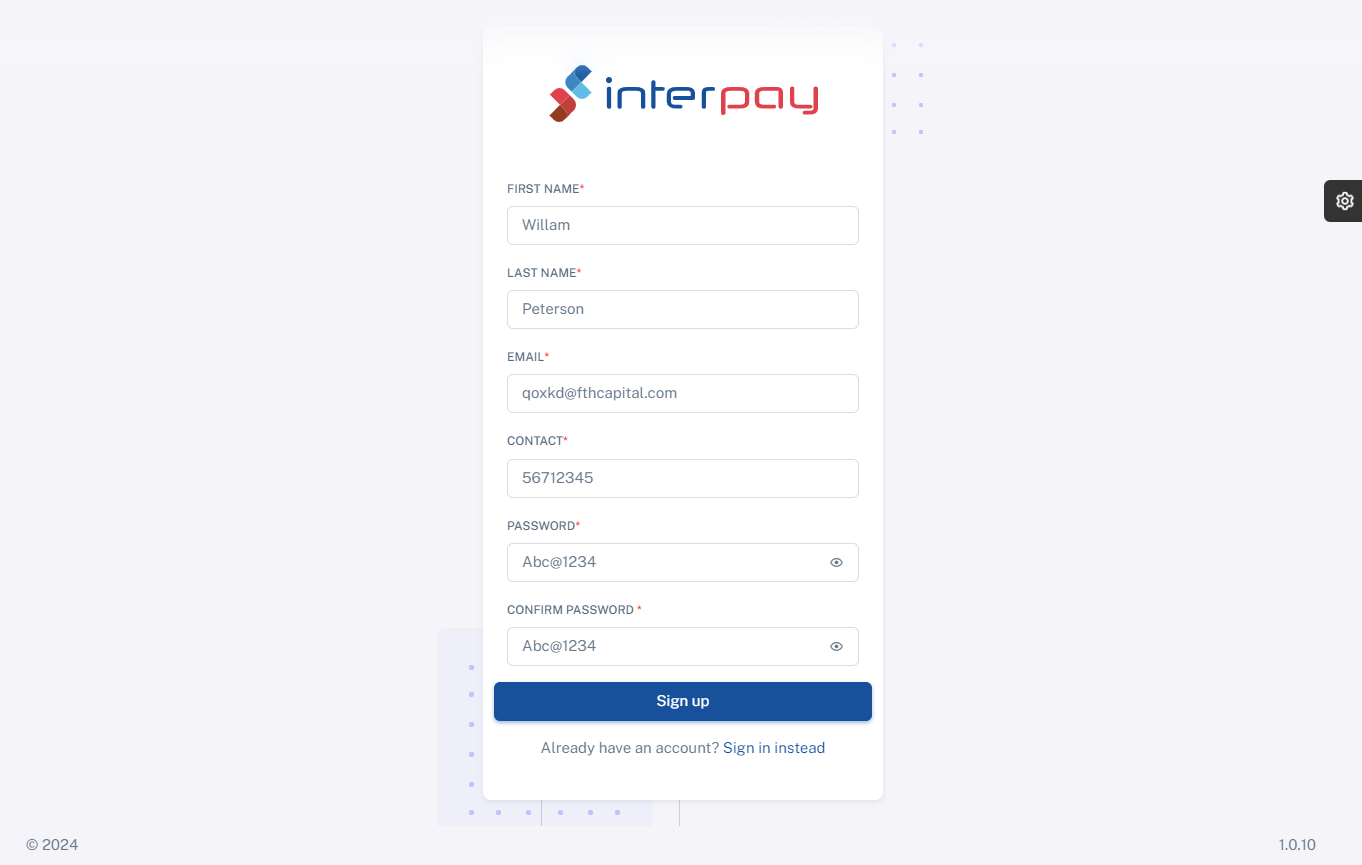
To Sign up Click Here
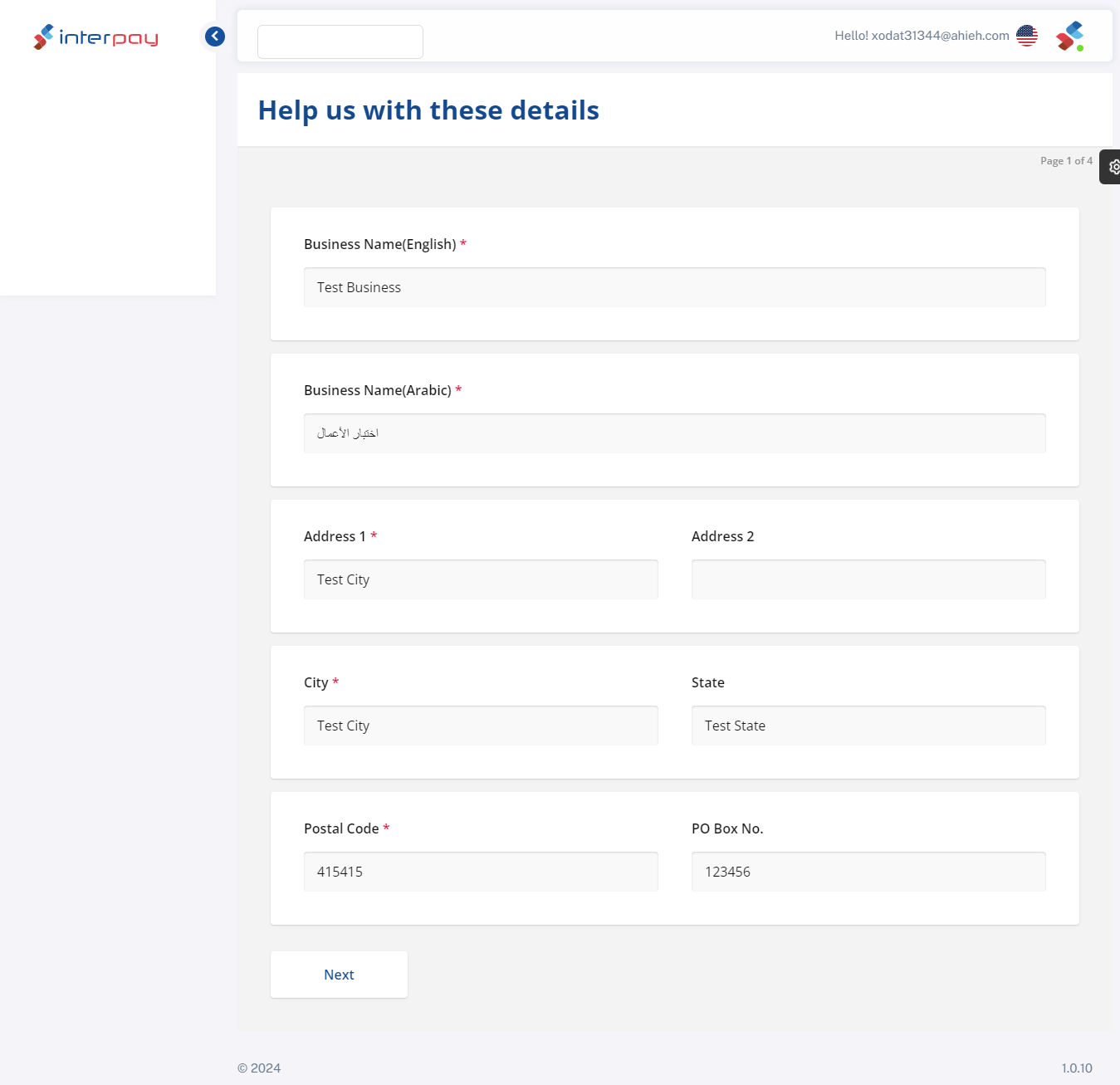
Upon successfully creating an account,Register and fill out the necessary business information.
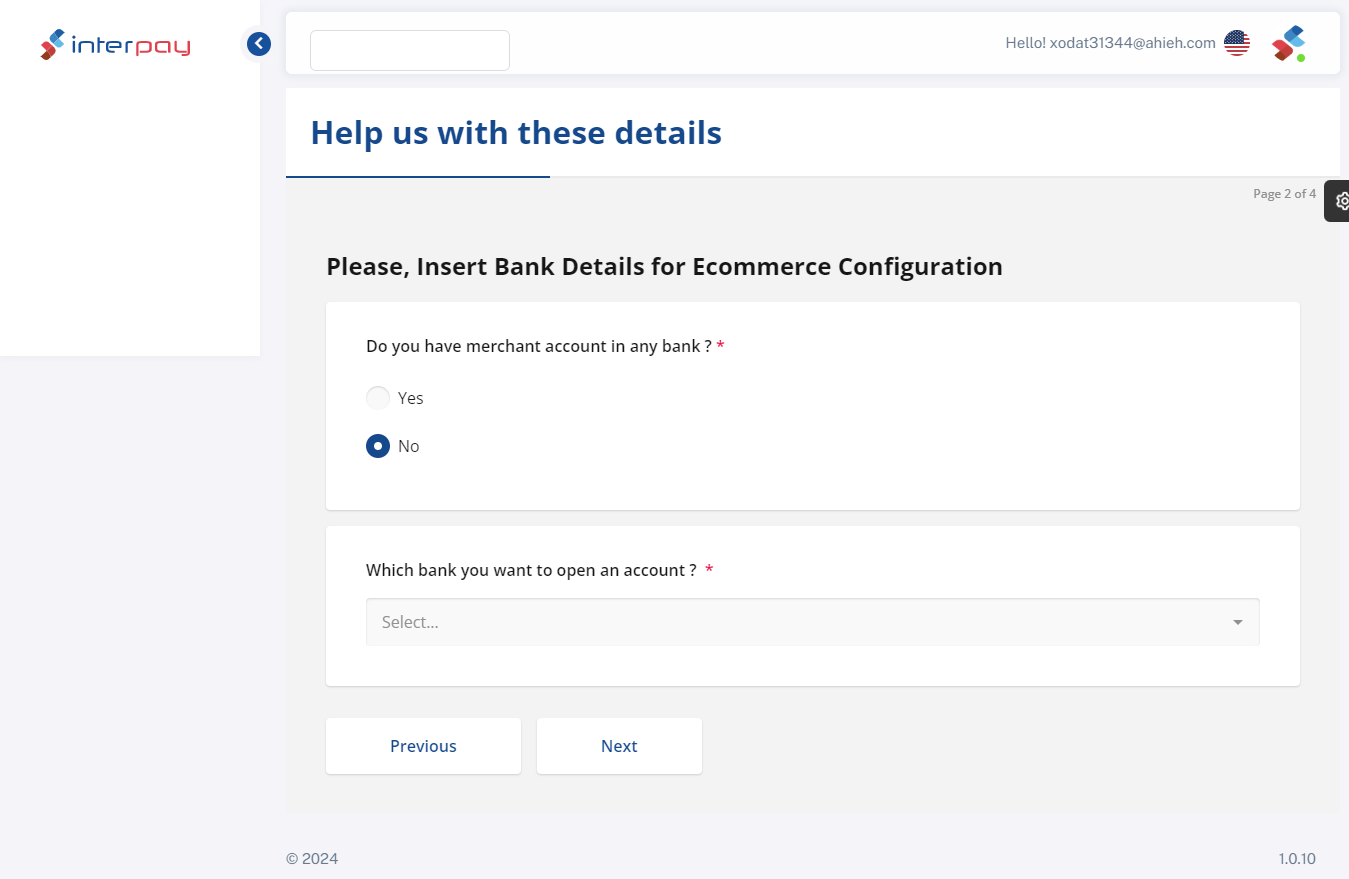
Complete the Merchant Account details to integrate e-commerce.Choose a bank to create a merchant account if none already exists.
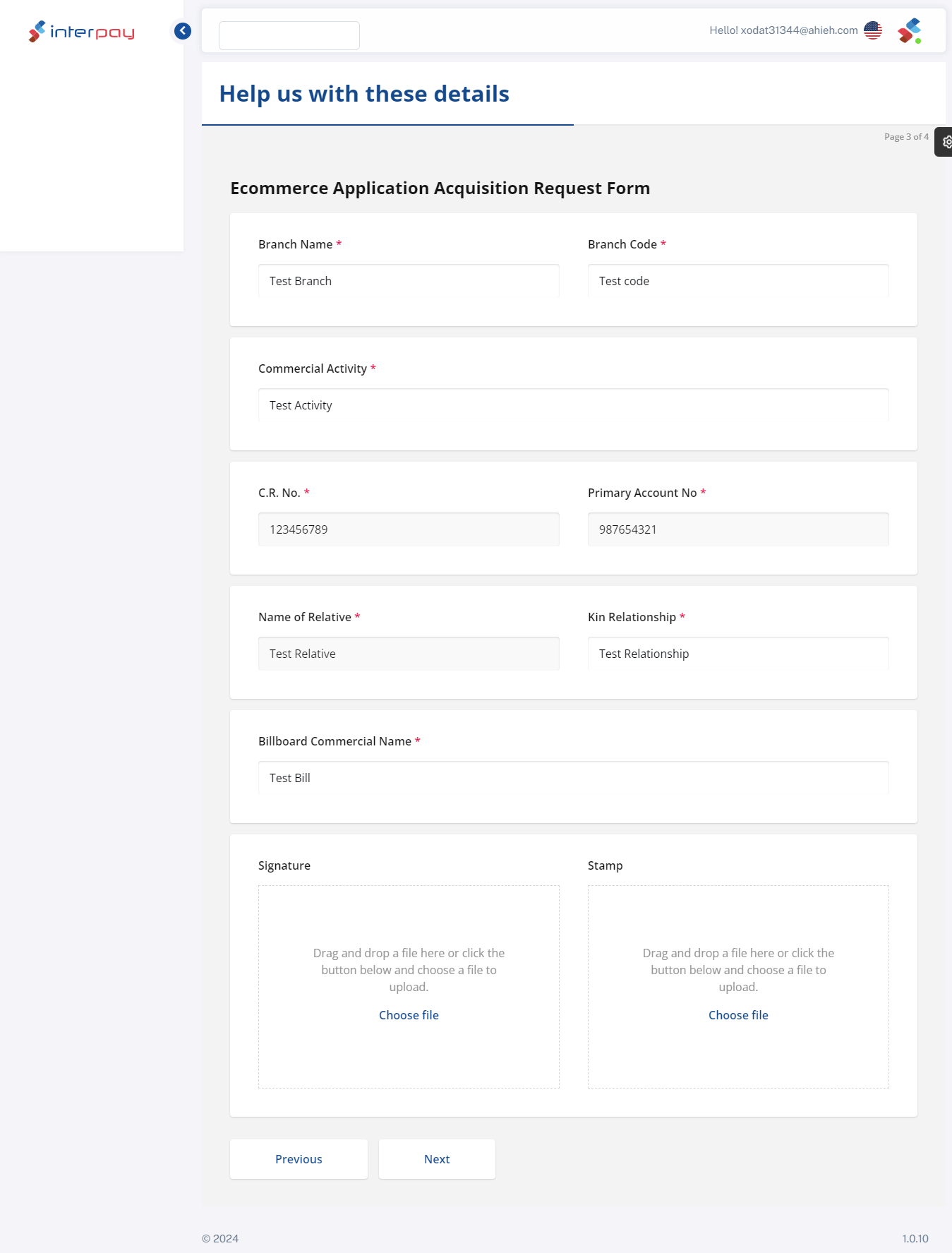
Complete the application for acquisition of e-commerce.
For future reference, download the form.
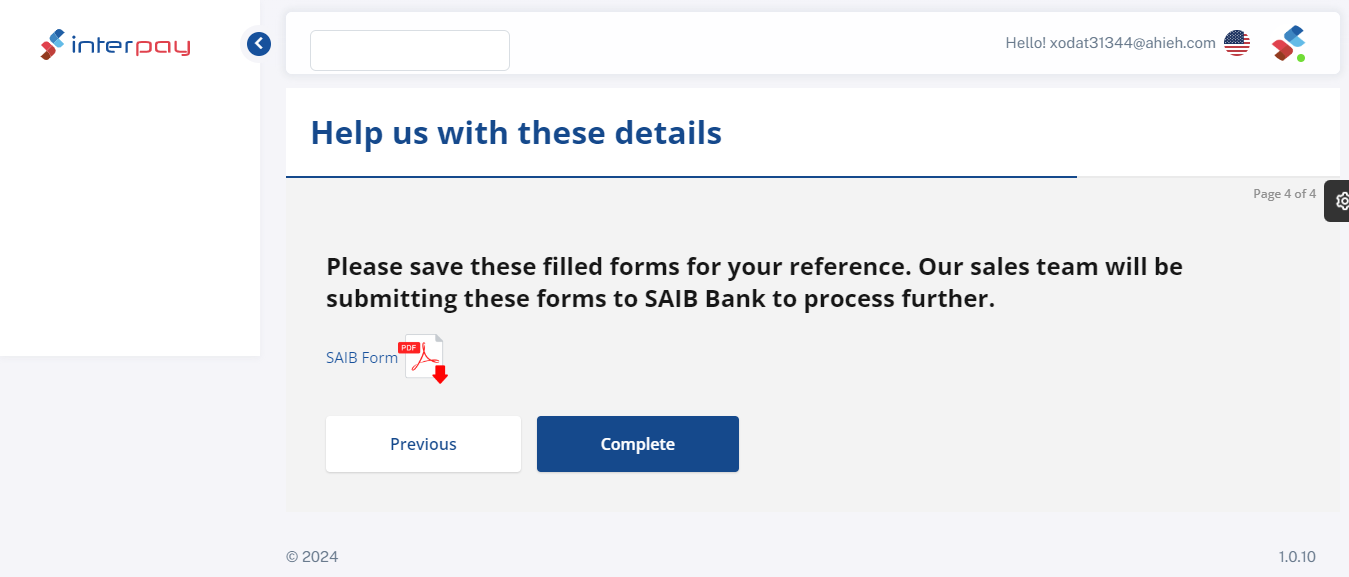
Create a new shop with basic details.
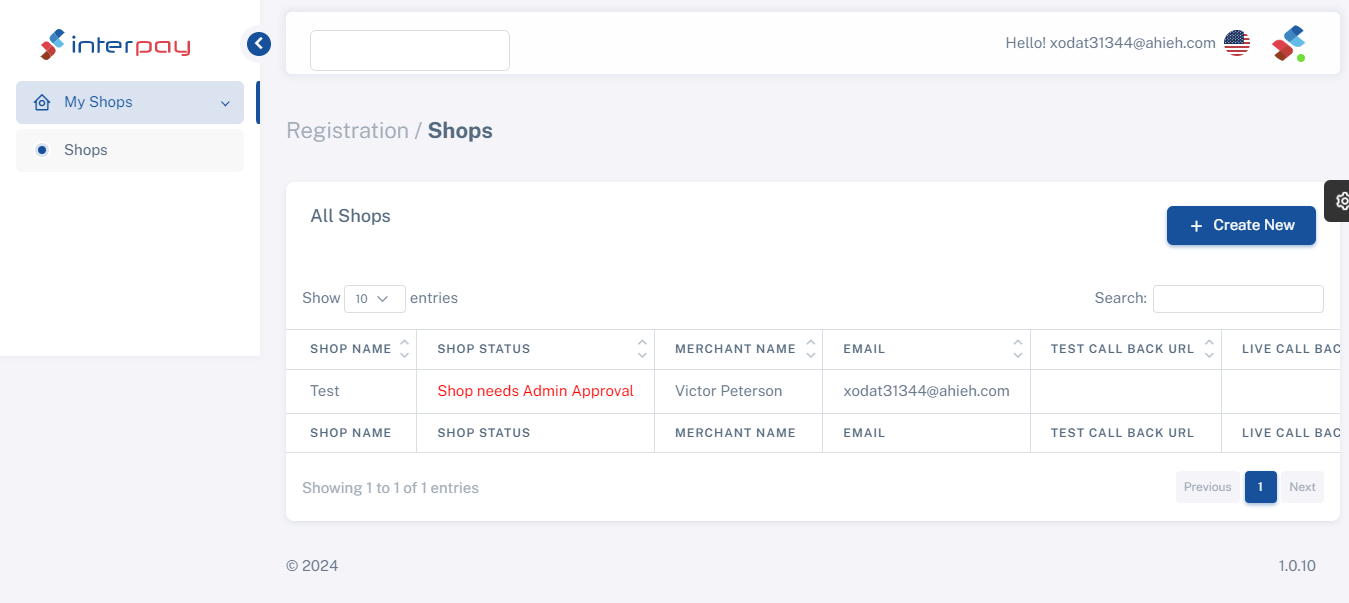
Tests can be used with administrator approval. URL for a callback and a live callback
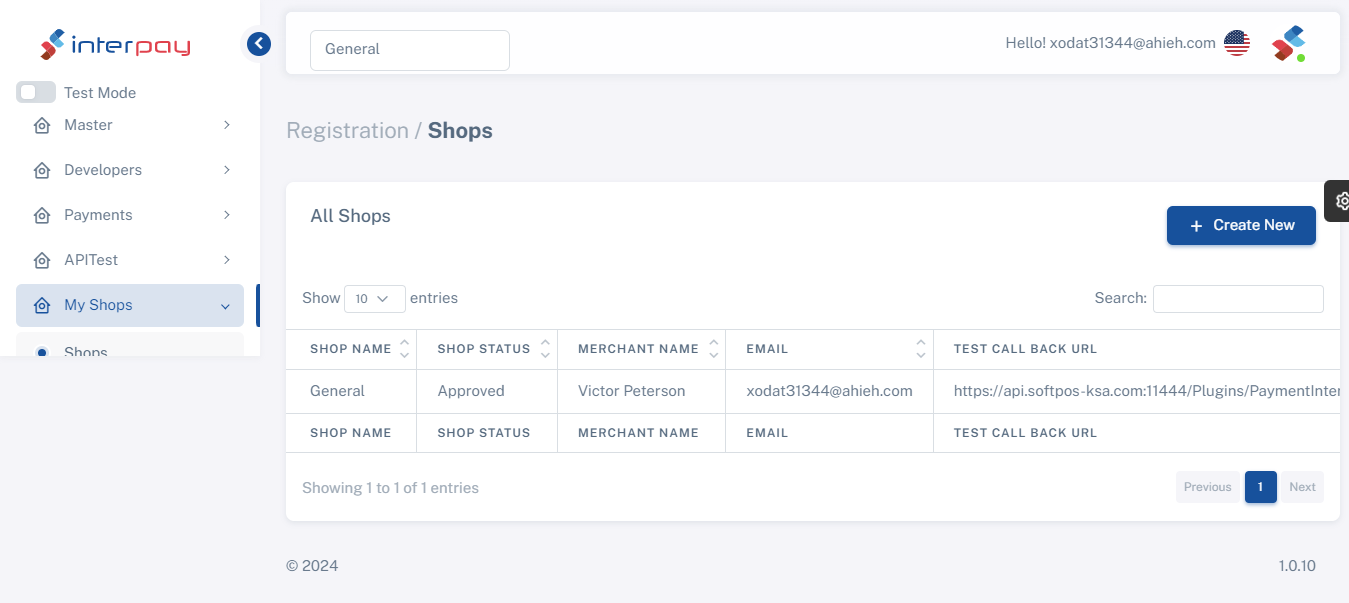
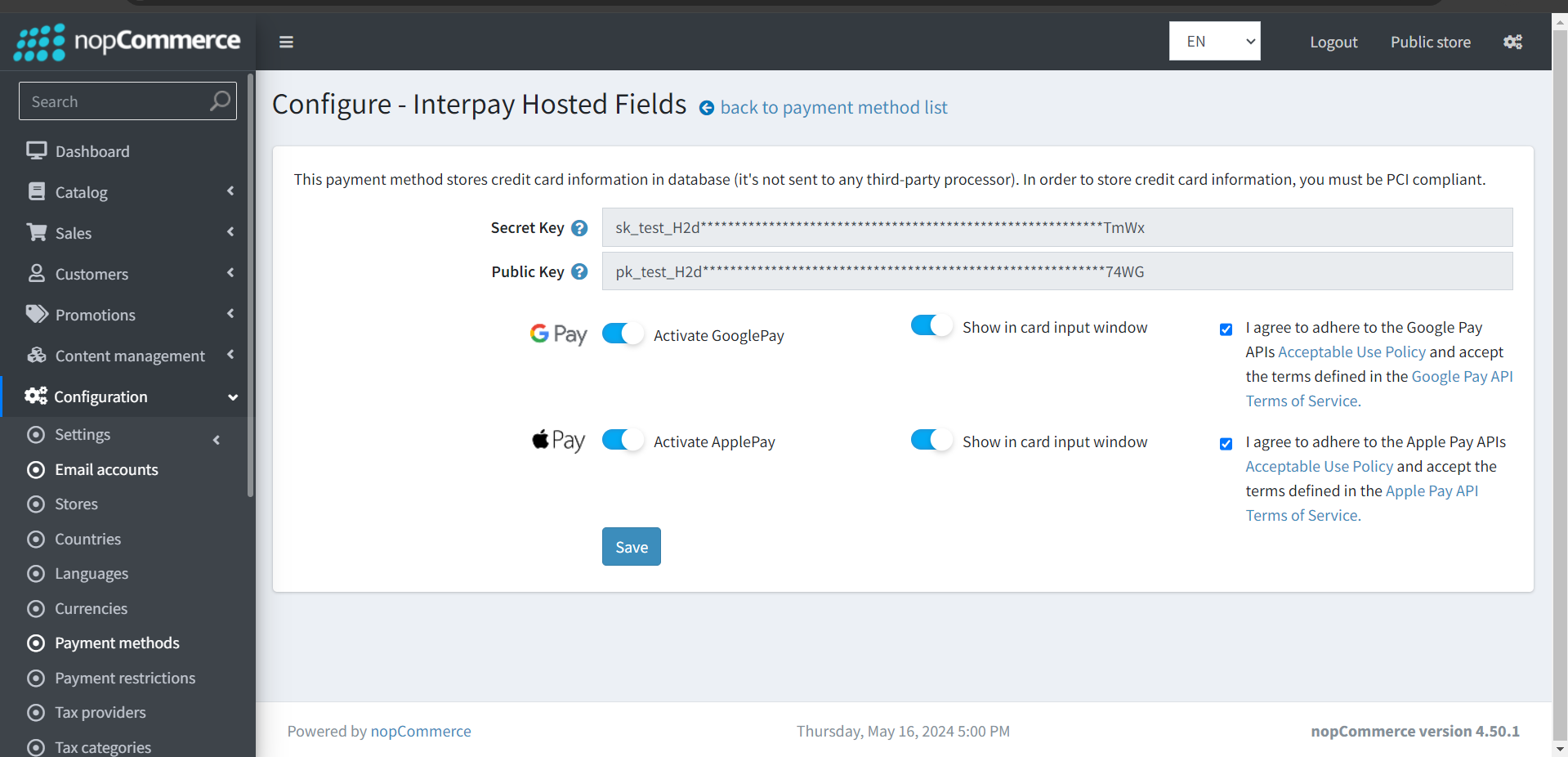
The Publishable key and Screate key will be generated by the system.
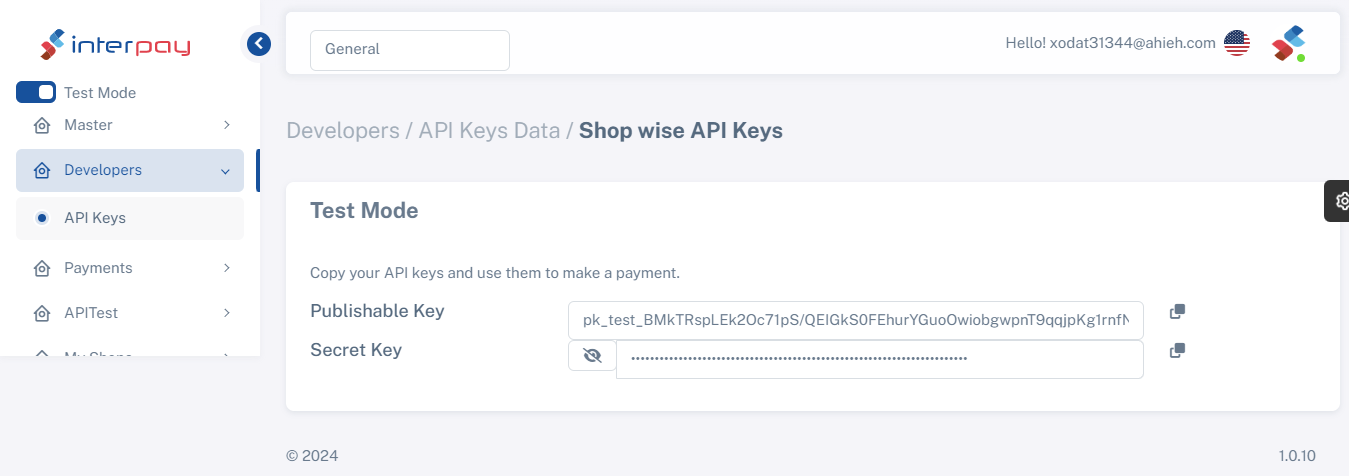
The generated publishable keys and screate key are added to the nopcommerce plugin.Additionally, turn on ApplePay and Google Pay transaction modes.
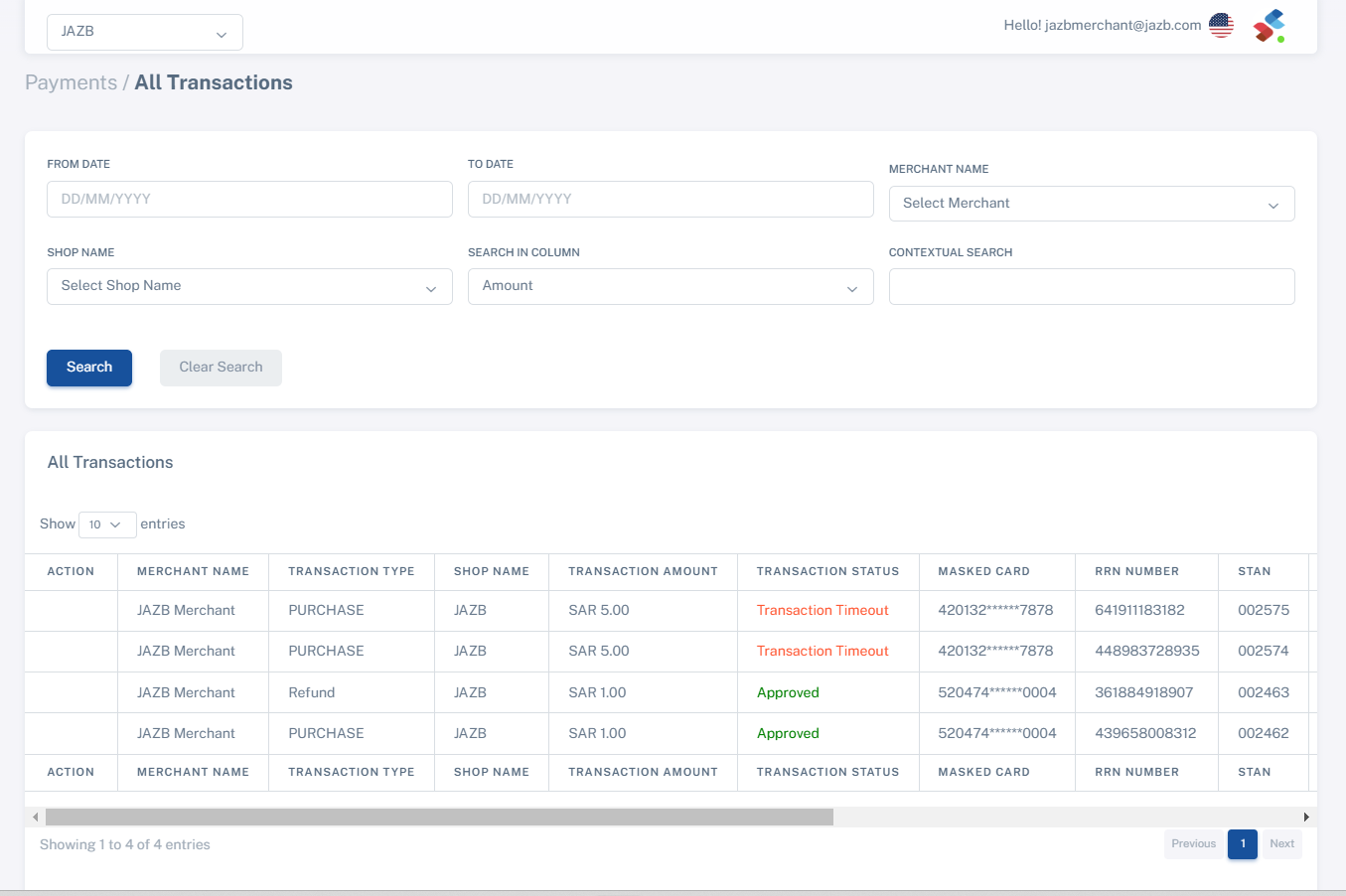
View the completed transaction in the payment menu.
How to configure Google Pay™
The Publishable key and Screate key will be generated by the system.
To start accepting payments through Google Pay enable Google Pay transaction modes.Once enabled Google Pay will be available on devices that support it.
| Supported versions: | 4.40, 4.50, 4.60, 4.70 |
| Last updated: | May 07,2024 |
| Created | April 16,2024 |